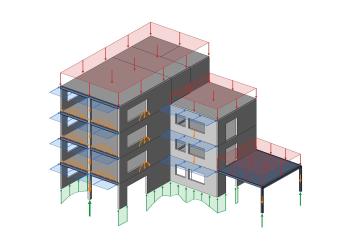
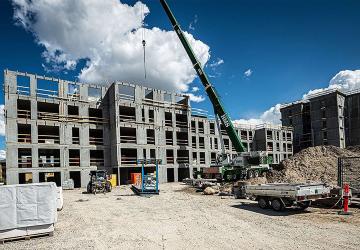
Analysing a precast structure is one job. Documenting it element by element and handing it over to the factory is often a second one, and it starts over every time the design changes.
In Denmark, engineers and precast factories have automated that second job. This article looks at where the time goes in the handover, how the Danish workflow removes it, and what happens when the design changes. The 30-minute webinar recording further down shows it live on sample models.
The problem
Where the time goes in the handover
The load takedown is done, but the work is not. Between the analysis and the factory, three steps are still done by hand in most projects.
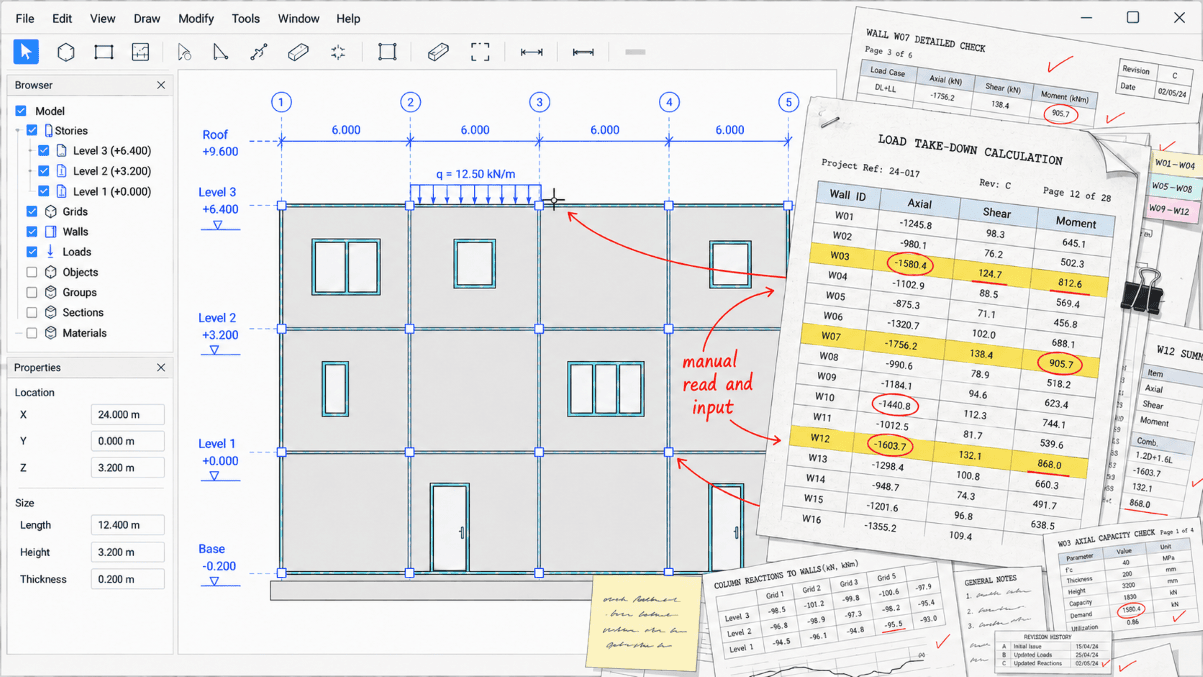
1Manual handover
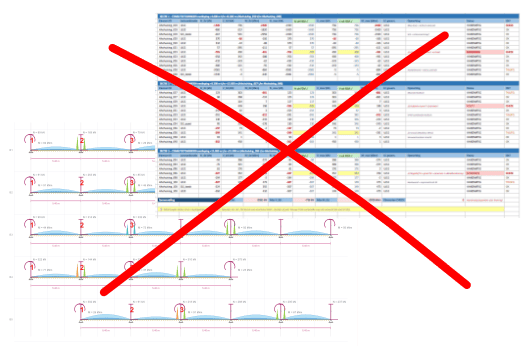
The loads leave the analysis by hand: spreadsheets, marked-up drawings, screenshots. The precaster still has to work out which wall is which.
2Remodelling by hand
The element designer rebuilds the wall from a printout and retypes the loads. Often only the governing ones make it across.
3Over-complex models
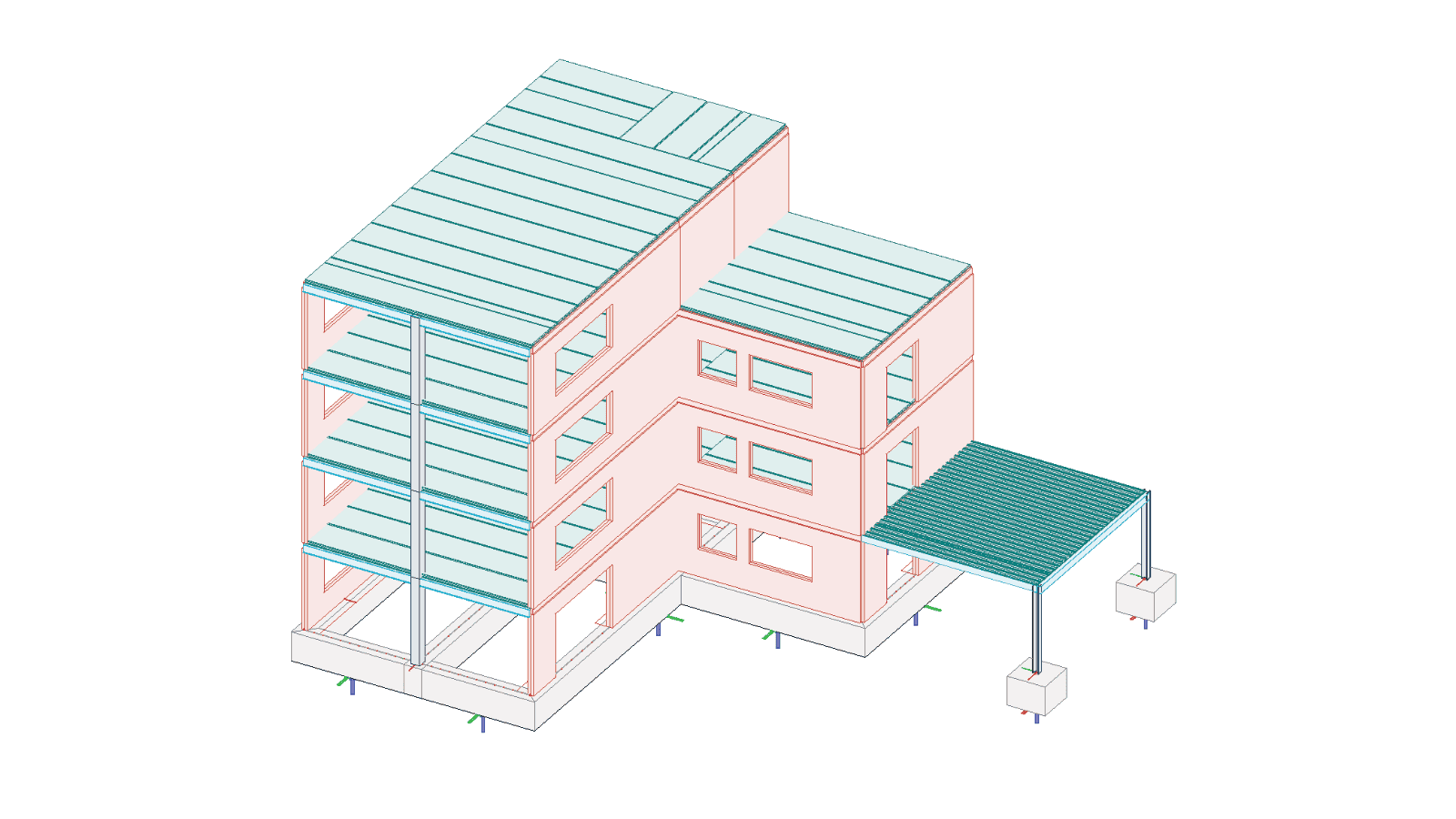
Because moving data between models is manual, everything ends up in one large model, just to catch every interaction.
None of the three is difficult. Together they take hours on every project, and they come back with every design change.
The Danish workflow
How Denmark took the second job out
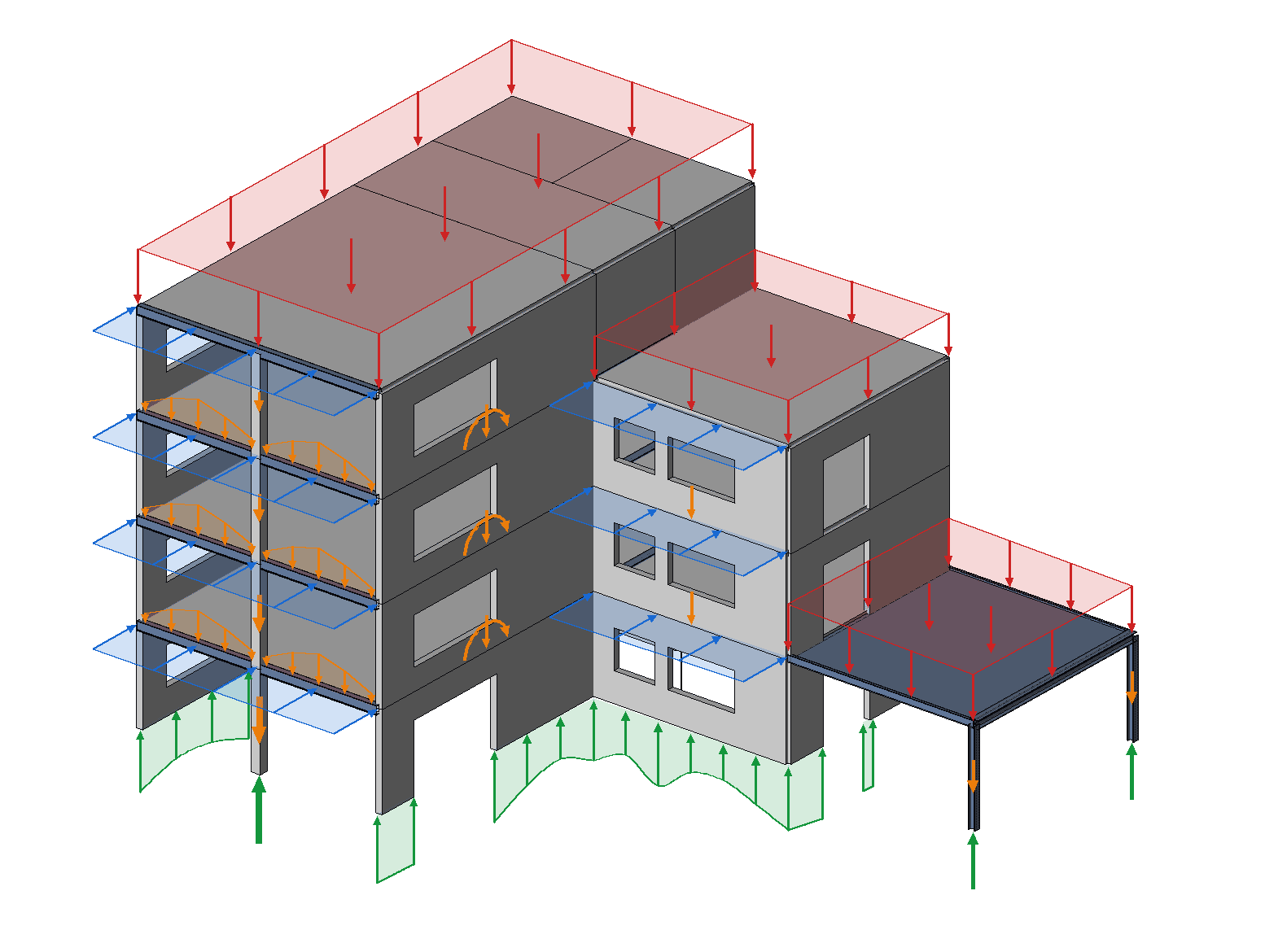
In Denmark this was solved together with precast factories and engineers. The principle is simple: the analysis model stays the single source of truth, and the documentation is produced from it instead of next to it.
The tool that does this is PREFAB, an extension to FEM-Design. It reads the analysed FEM-Design model directly and gives three ways out of it:
An interactive PDF report
One standardised report for the whole project: floor plans with load plans and results, elevations with loads and reactions per wall, and beams and columns with their internal forces. The precaster gets the same structure on every project.
Elements back into FEM-Design
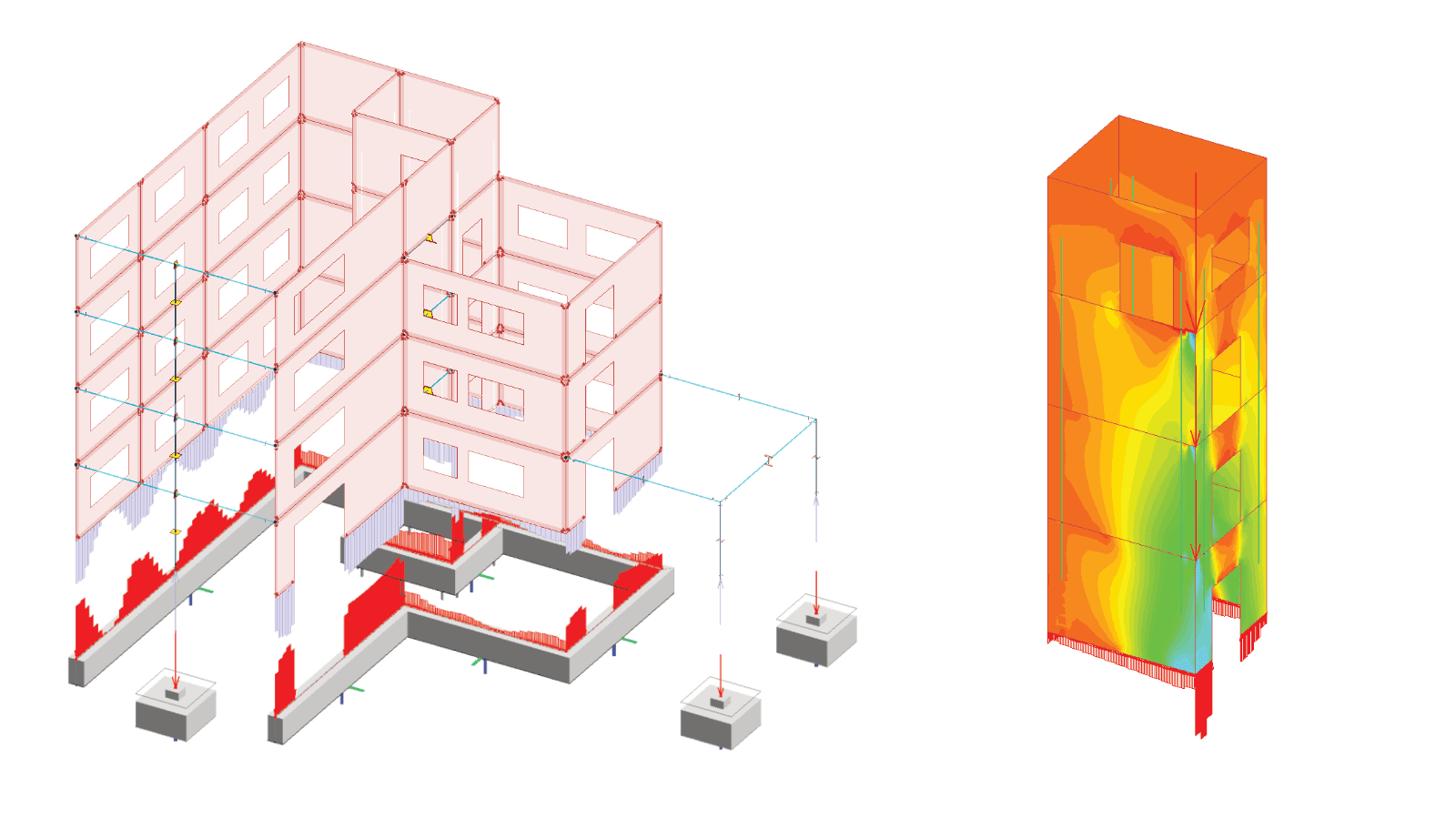
Single walls or slabs, a whole elevation, a storey or a core. Each export keeps every load case and combination, and the rest of the building comes along as loads. Reactions for foundation design come out the same way, each marked with the element it comes from.
A locked file for the precaster
The factory opens it in PREFAB Viewer, searches and filters by element ID and exports what it needs. The way the engineer treated the data cannot be changed.
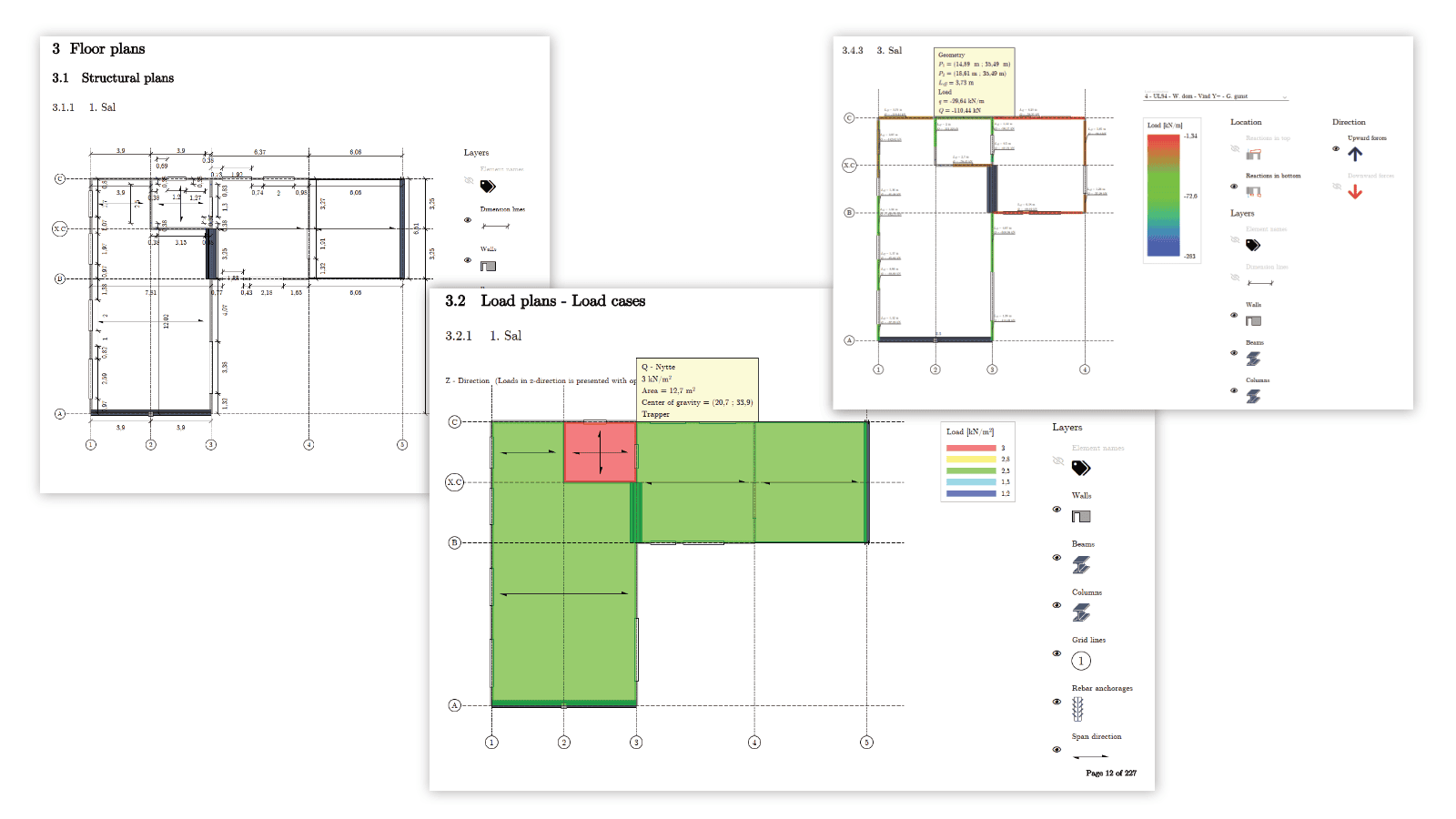
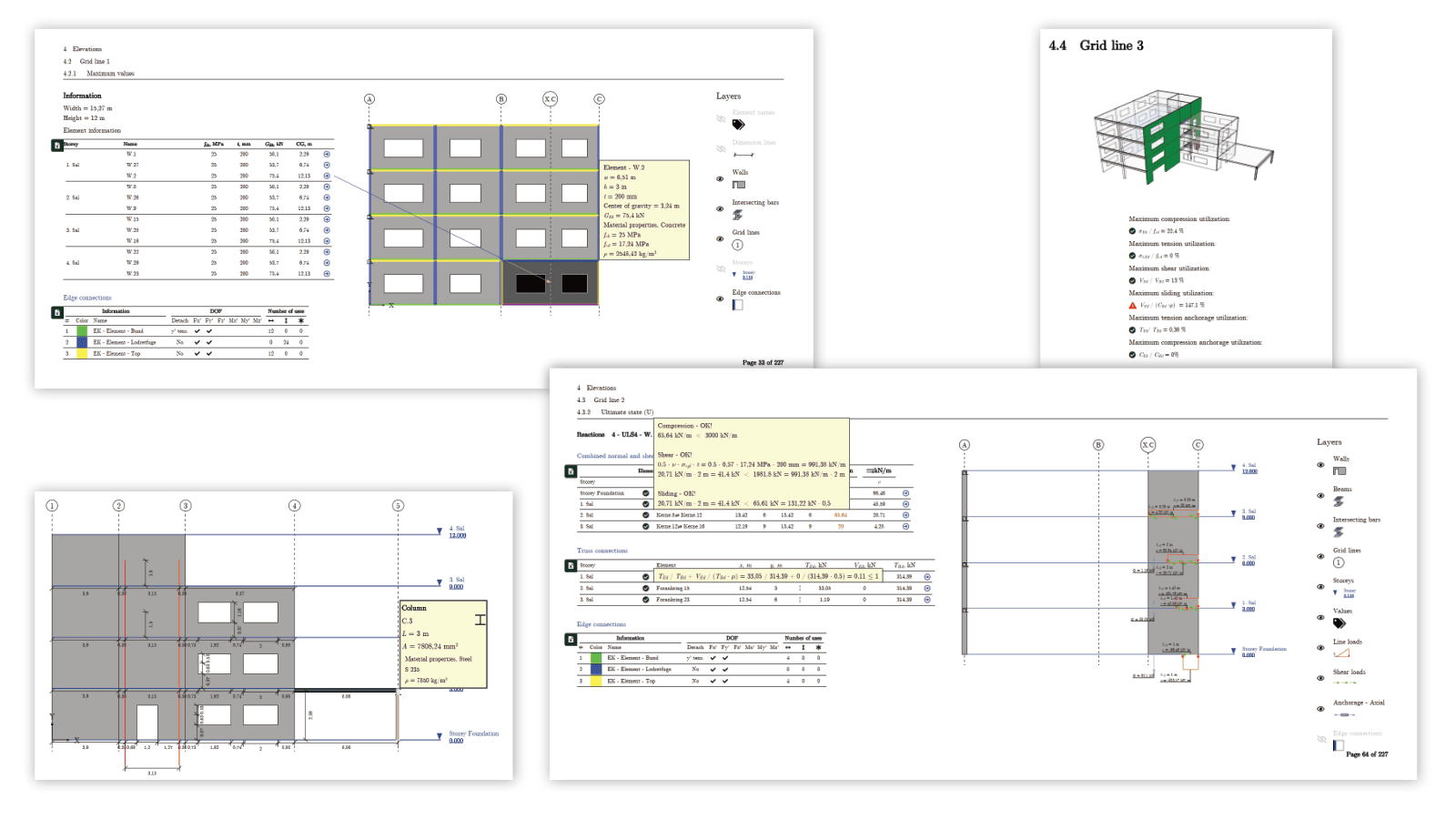
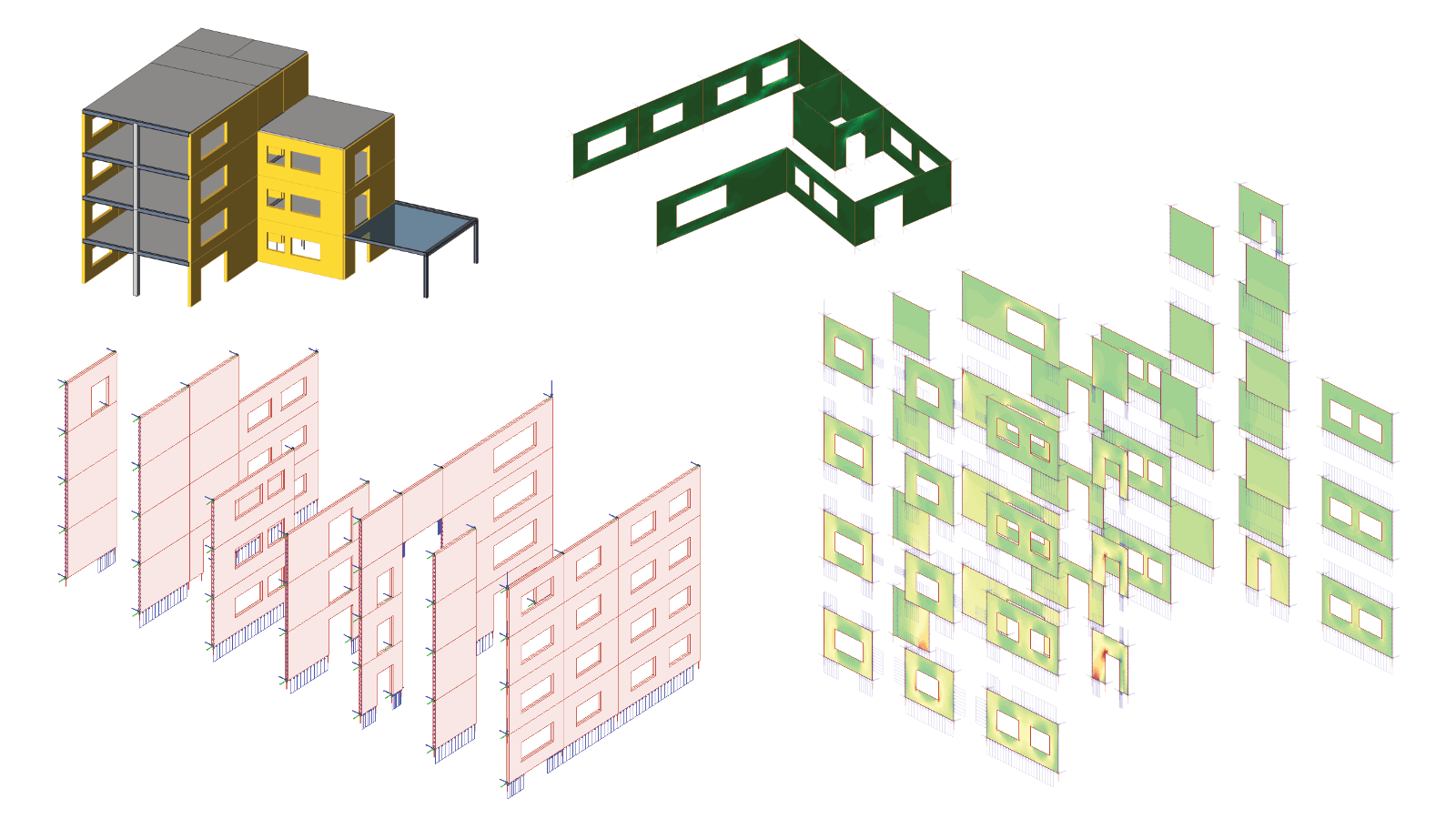
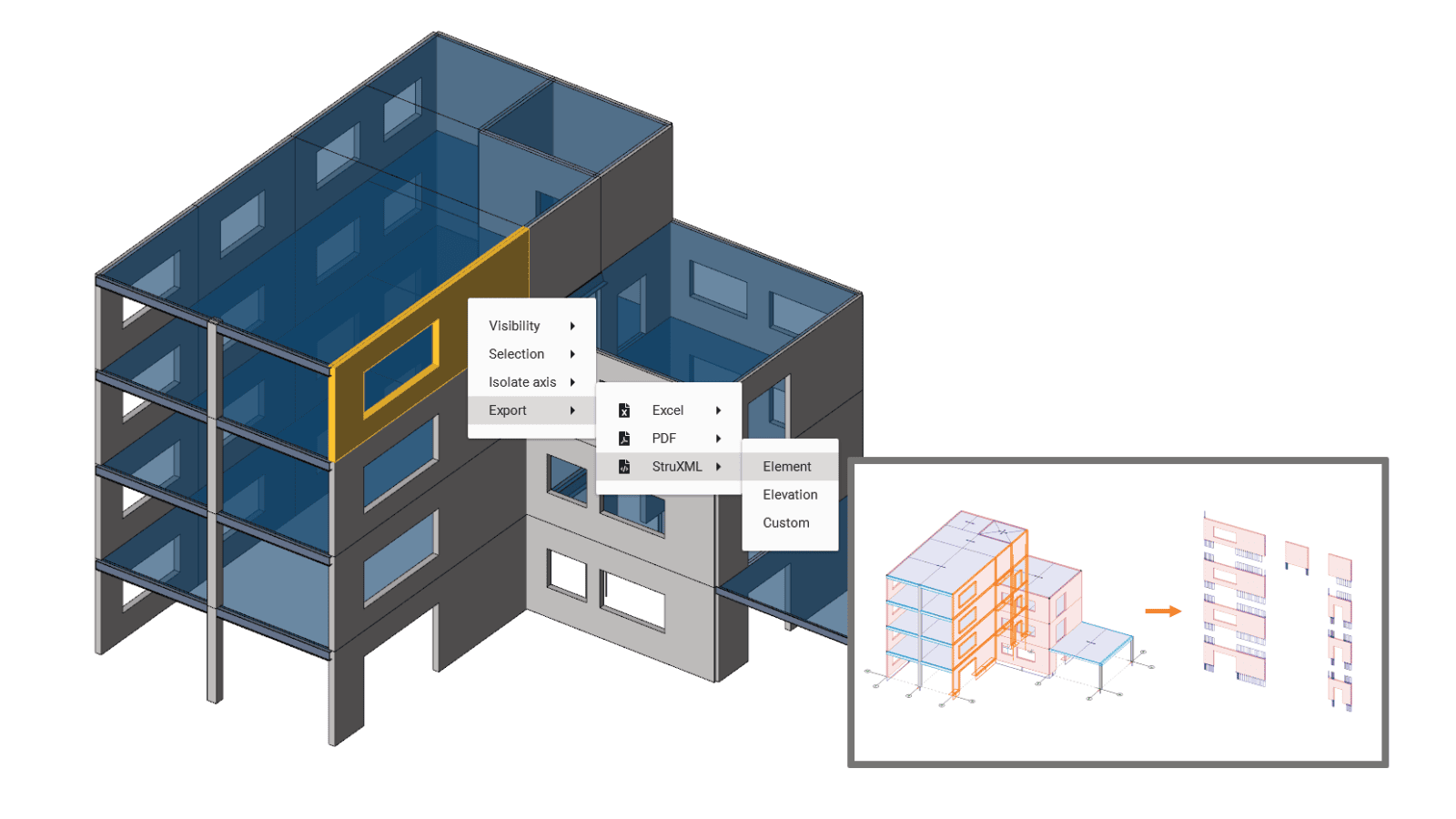
Every export type is shown step by step on the PREFAB page.
Design changes
What happens when the design changes?
This is where the difference shows. In a manual handover, a changed wall means new spreadsheets, new mark-ups and new element models. In the Danish workflow the engineer updates the analysis model, reloads it in PREFAB and prints again. The report follows the model.
The same goes for large 3D models. Instead of designing everything in one model, a slab, a core or a storey is taken out and designed on its own, while the overall load takedown stays intact.
Webinar recording
Watch the webinar: from analysis to report in 30 minutes
On 5 November 2026, Shahram Omary of Matrix Software and Casper Hougaard of StruSoft walked through the workflow for a Dutch audience. The introduction is in Dutch, the demonstration in English.

In the recording, you'll see:
- where the time goes in today's handover
- how it was automated in Denmark
- a live demo on sample models: from analysis to finished report, and again after a design change
- a larger 3D model, with one slab exported back to FEM-Design and analysed on its own
"The analysis was never the slow part. The slow part was getting the results to the factory in a form they could use, and doing it all again after every change. That is the job we have taken out."
PREFAB Product Owner, StruSoft

Try PREFAB free for 30 days
Sign-up is automatic: create a StruSoft account and the licence is active straight away. The trial comes with three sample models, so you can explore the PDF reports and exports from the first day.
To run PREFAB on your own project you need an analysed FEM-Design model. Not a FEM-Design user yet, or have questions about PREFAB in the Netherlands? Contact Shahram Omary at s.omary@matrix-software.com.