



Trusted by
Engineering teams using PREFAB across Europe


















Why PREFAB?
The analysis is done. The work isn't.
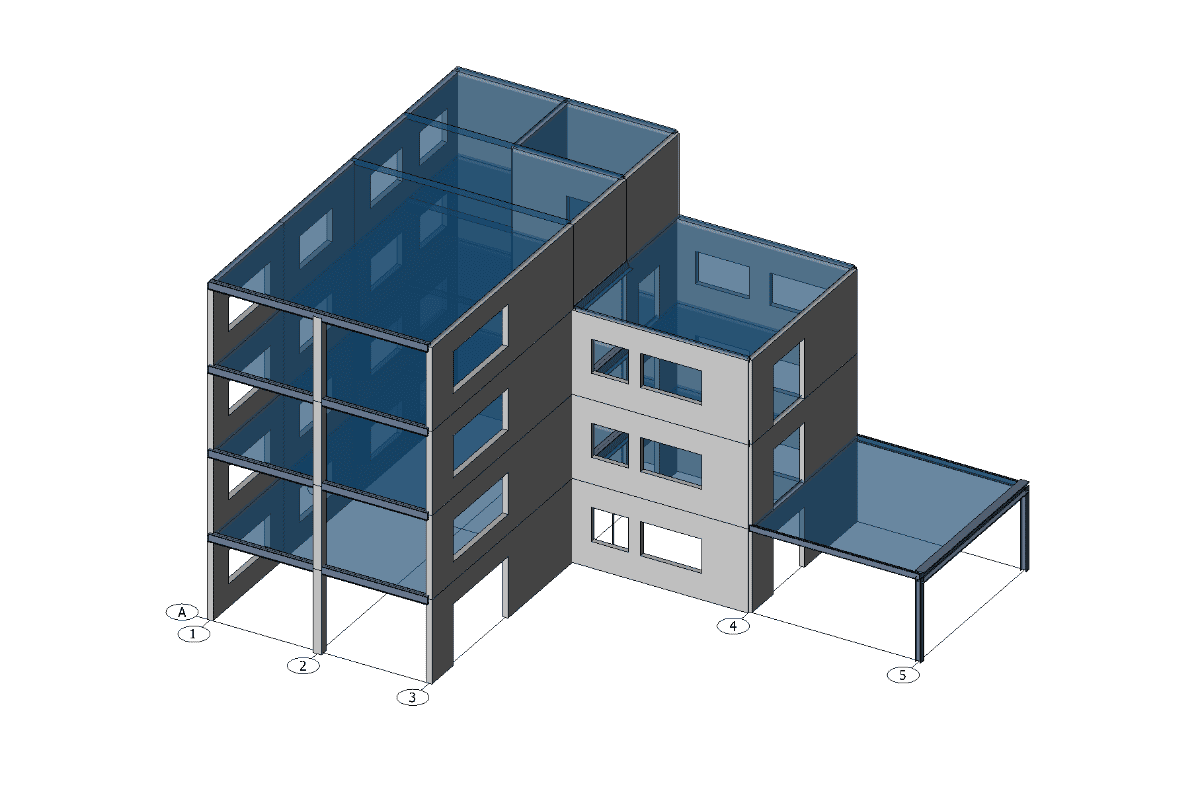
The load take-down is finished, but handing it over still takes hours and gets in the way of optimisation. PREFAB with FEM-Design removes these barriers.
Without PREFAB
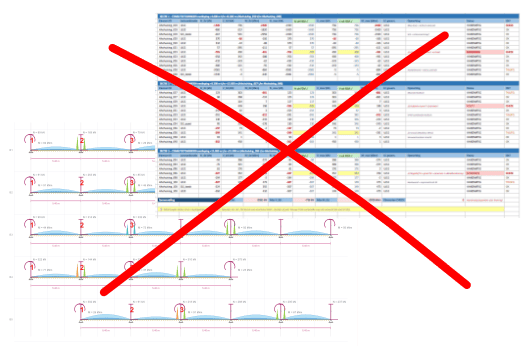
Loads are copied from the analysis into spreadsheets and marked-up drawings by hand. The receiver still has to work out which wall is which.
With PREFAB
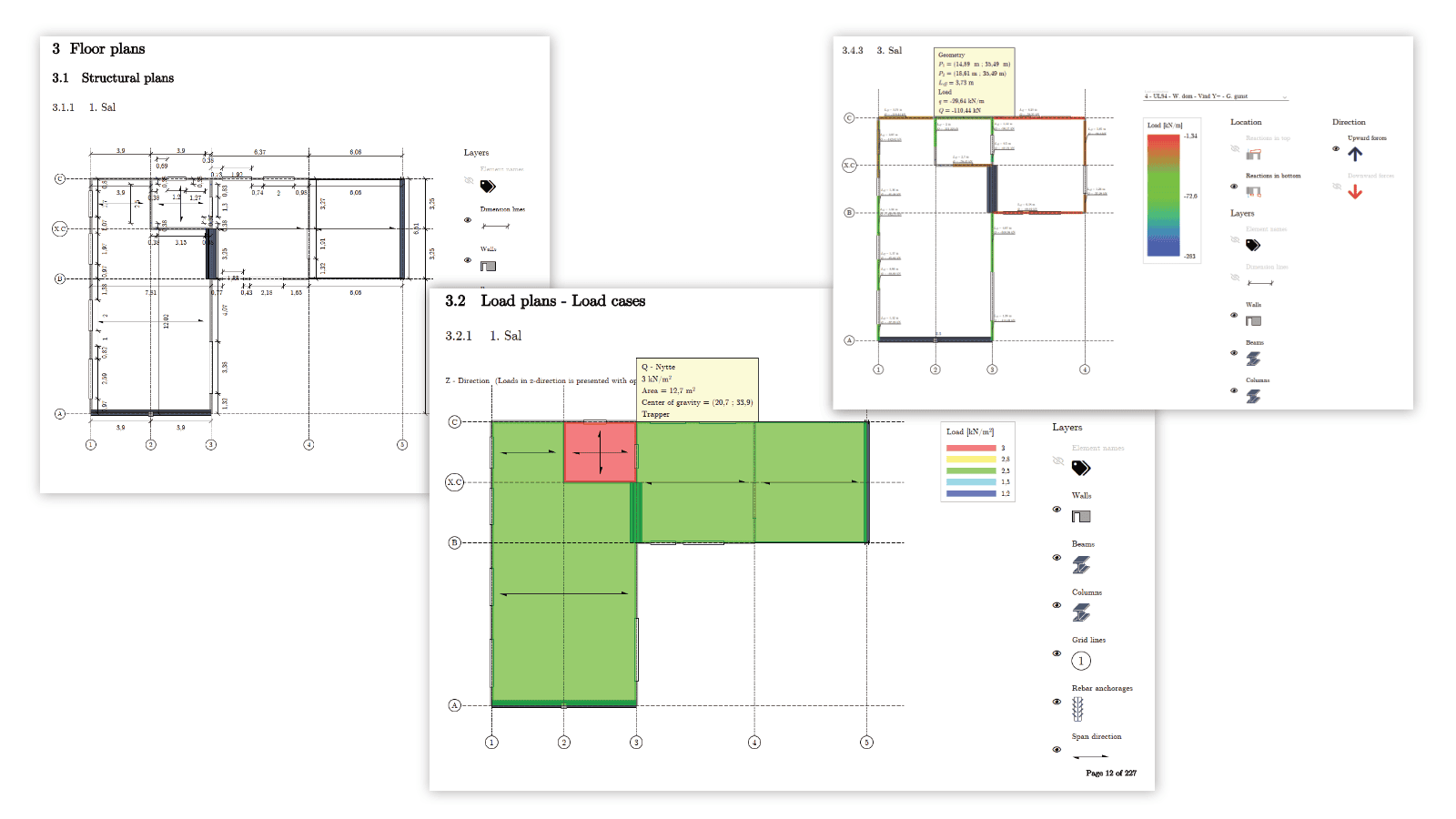
PREFAB compiles standardised documentation directly from the model, ready to use as an interactive PDF or in another export format.
Without PREFAB
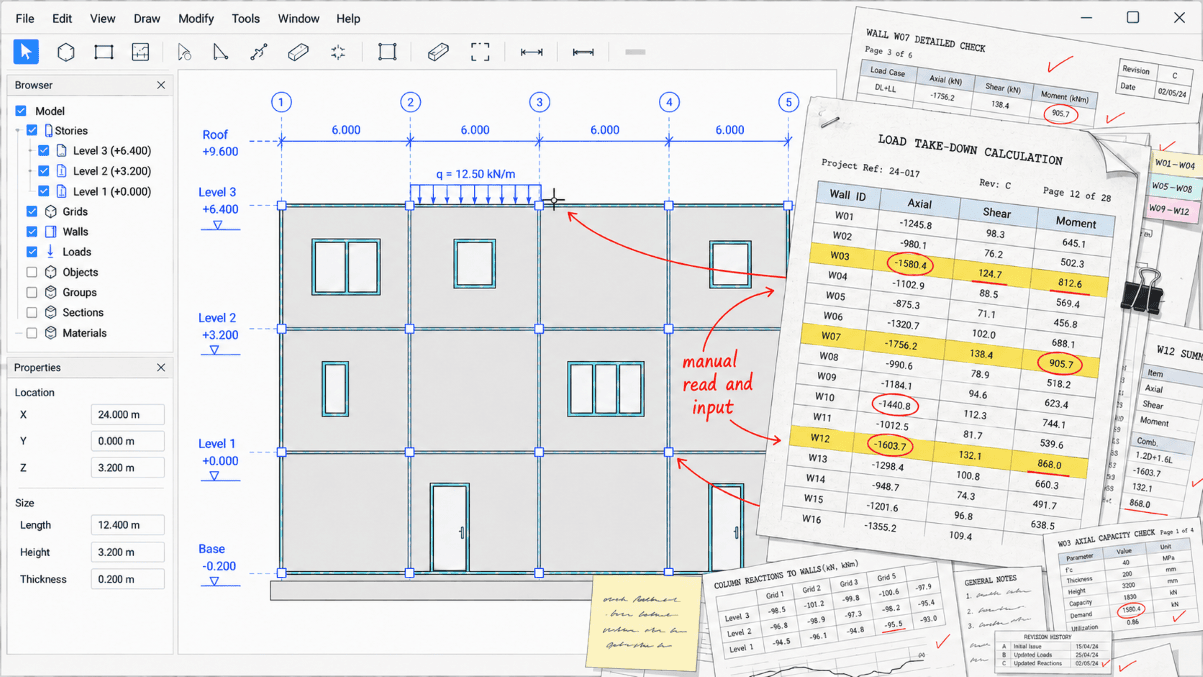
Components are remodelled or simplified from a printout, and load combinations are flattened along the way.
With PREFAB
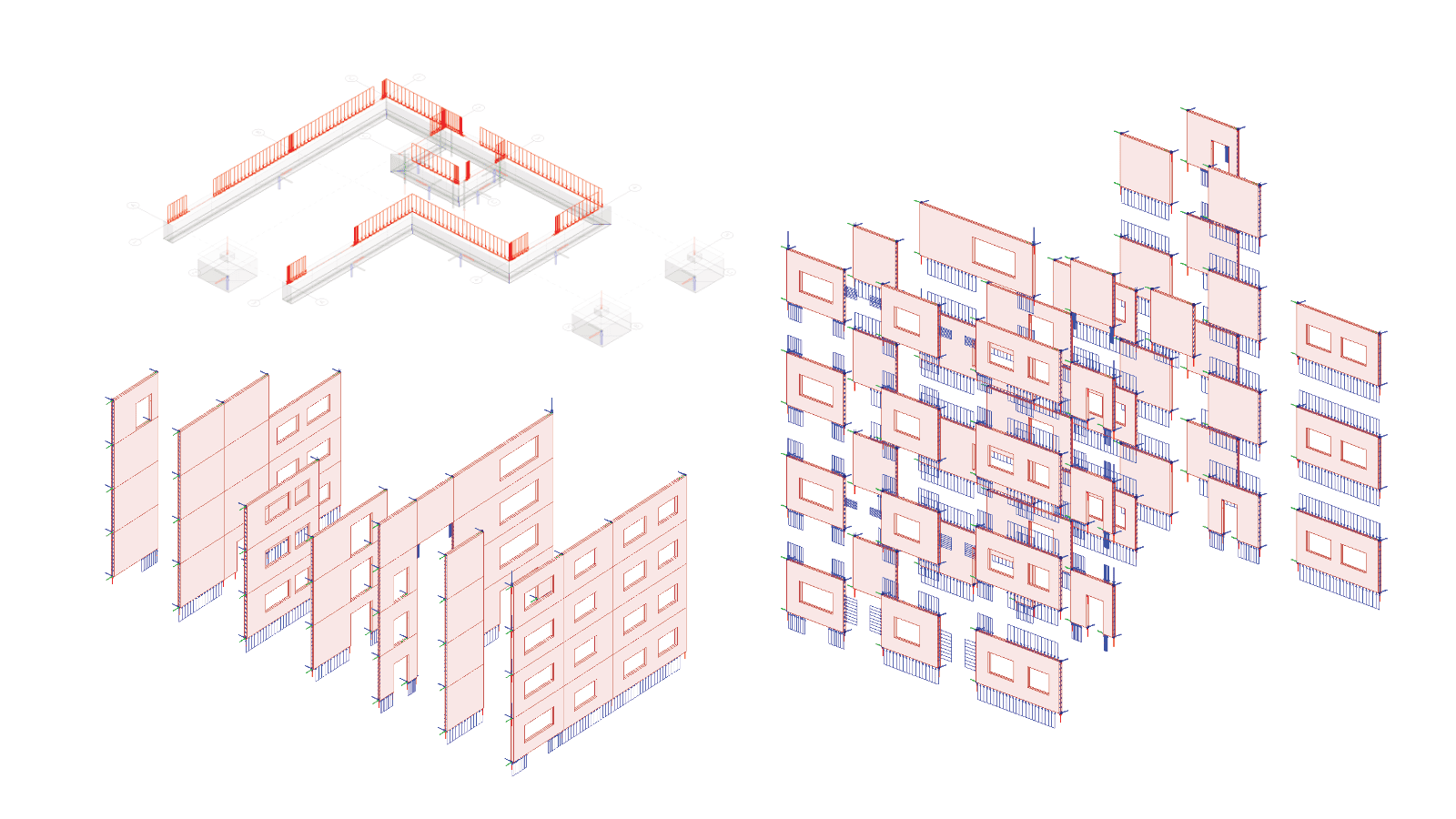
PREFAB transfers the documented data for selected elements into a separate FEM-Design model, keeping the geometry and every load case and combination.
Without PREFAB
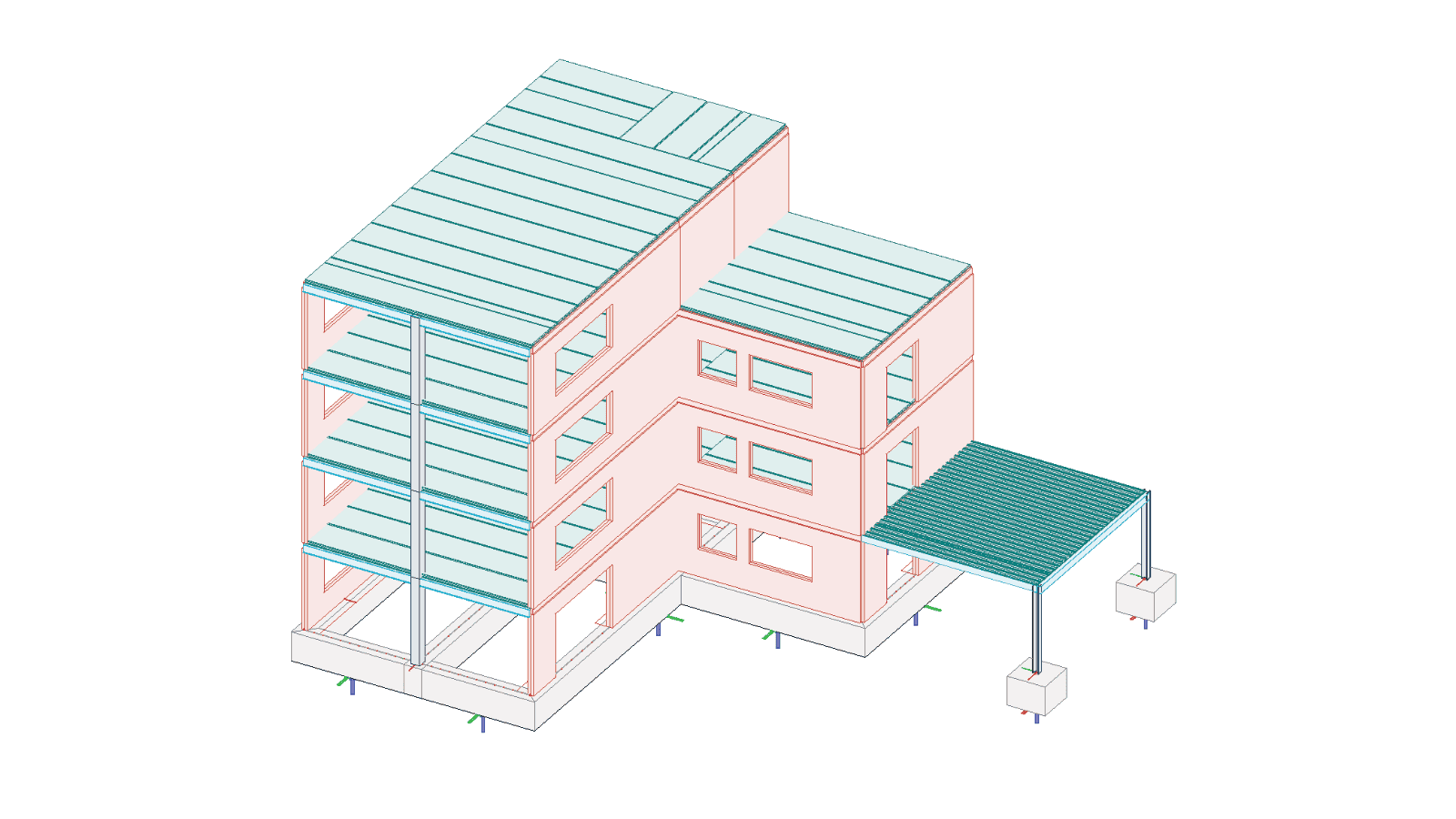
Models grow very large because engineers try to capture every interaction in one place and avoid moving data between structure groups by hand.
With PREFAB
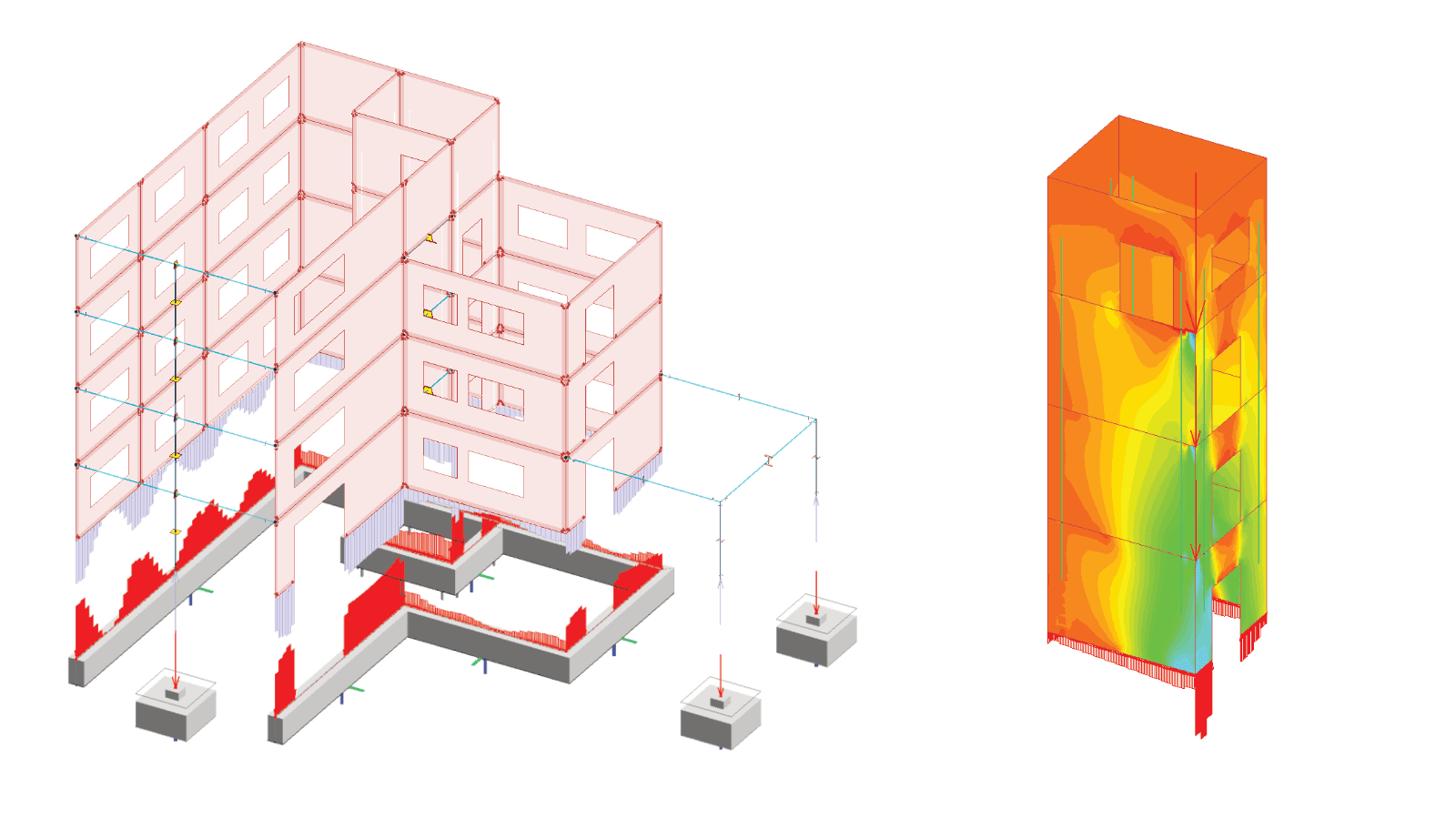
PREFAB splits the model into separate parts and extracts custom sections for detailed design, while the overall load take-down stays intact.
Workflow example
Follow one FEM-Design model through PREFAB and out to export
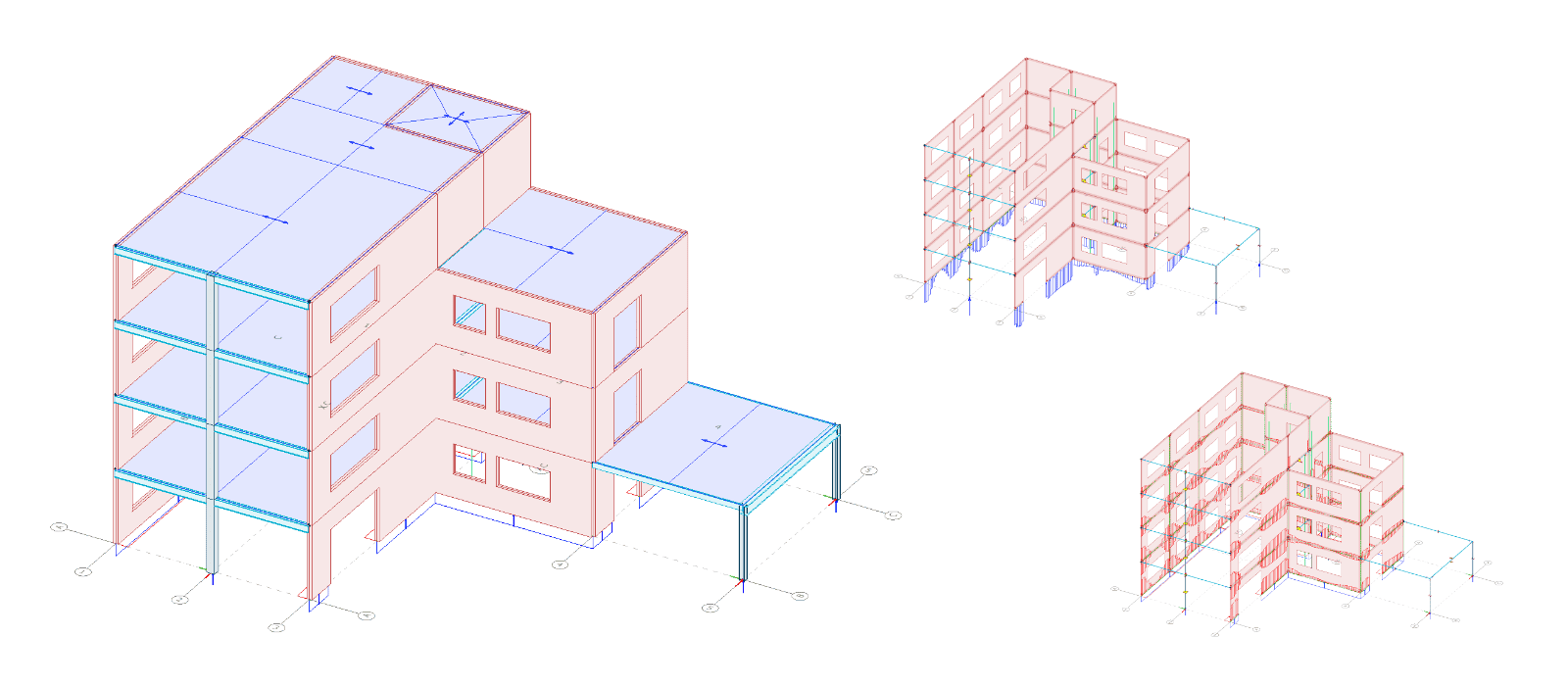
Start with an analysed FEM-Design model, sync it into PREFAB, and choose one of three exports: an interactive PDF, a FEM-Design file, or a locked PREFAB file for PREFAB Viewer.
 FEM-Design

 PREFAB
Click Sync to PREFAB to unlock the three export options.
 PDF export
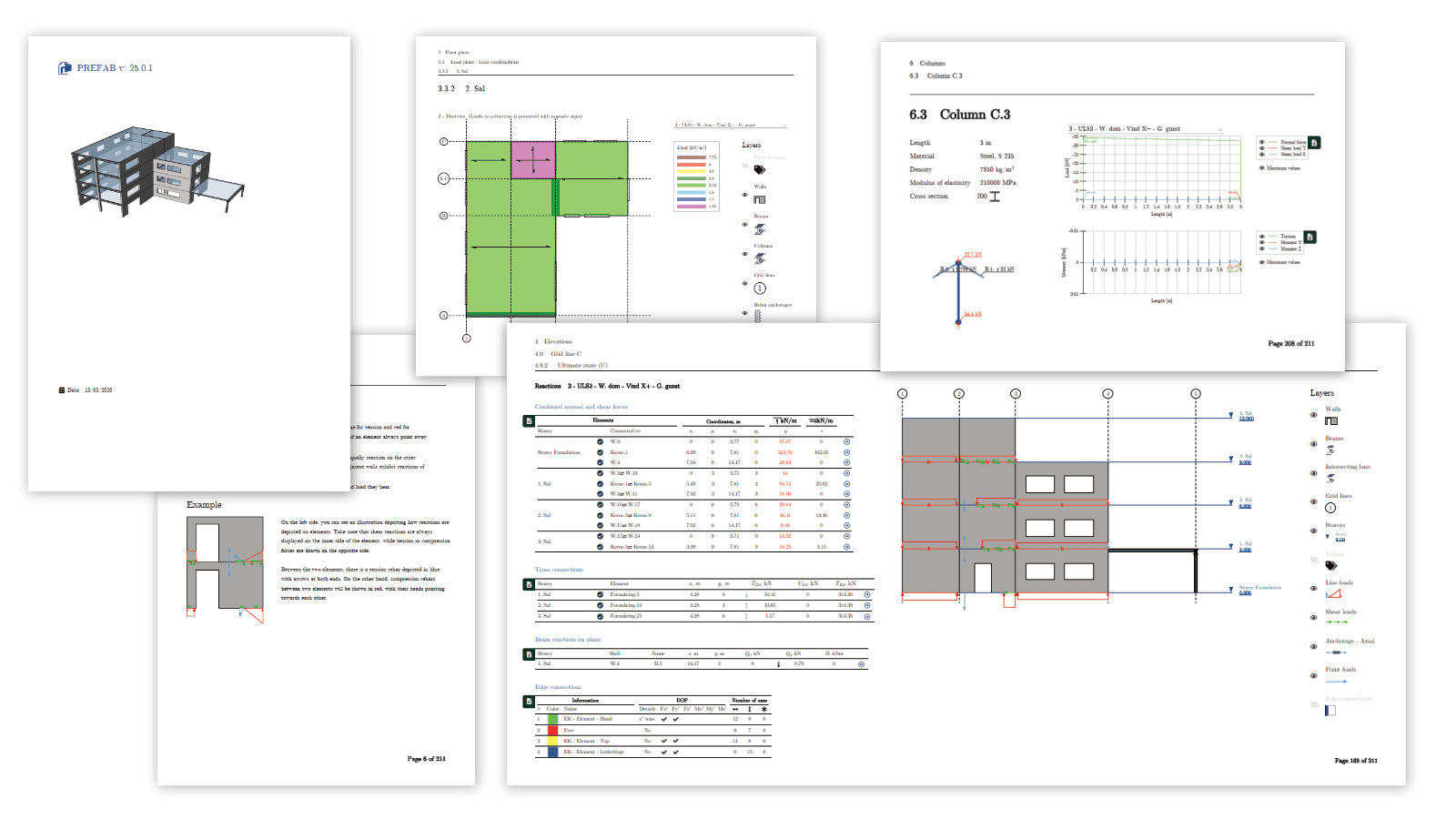
PDF export
Interactive PDF reports with layers, tooltips and per-component detail
Each PDF has layers you can switch on and off and tooltips, so the reader finds the exact data they need without switching tools.
Floor plans
Structural plans, load plans and results on the plan view. Layers can be switched on and off so the reader sees only the data they need.
- Structural plan with geometry and material properties
- Load plans for each load case and combination
- Results per load combination with tooltips per component
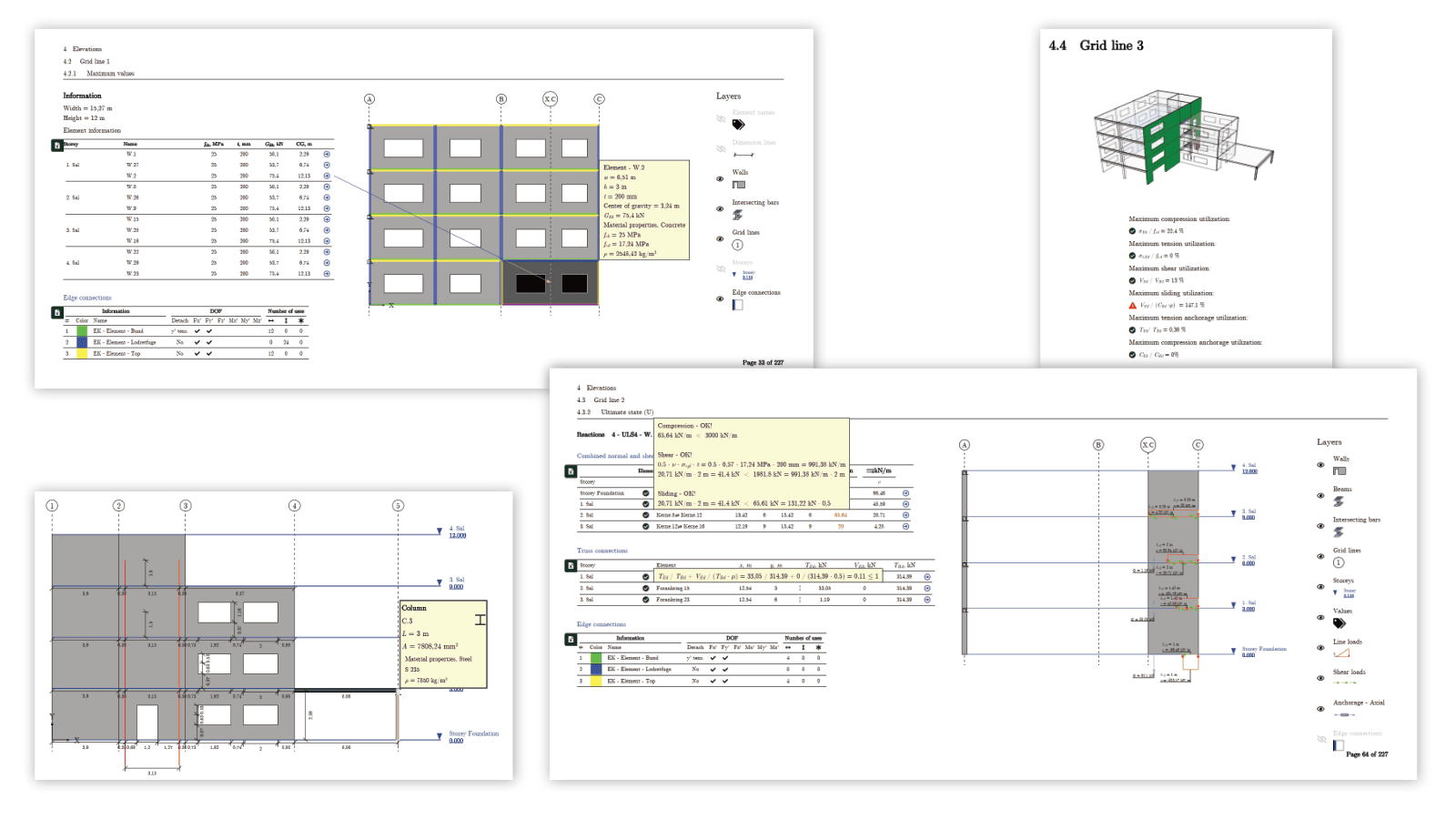
Elevations
2D axis views with loads and reactions at axis level and for each wall or plate edge.
- Axis views with geometry, edge conditions and material properties
- External loads and reactions per combination, on each component
- Basic stability checks for concrete walls, and anchorage
- Results on the elevation or for each element on its own
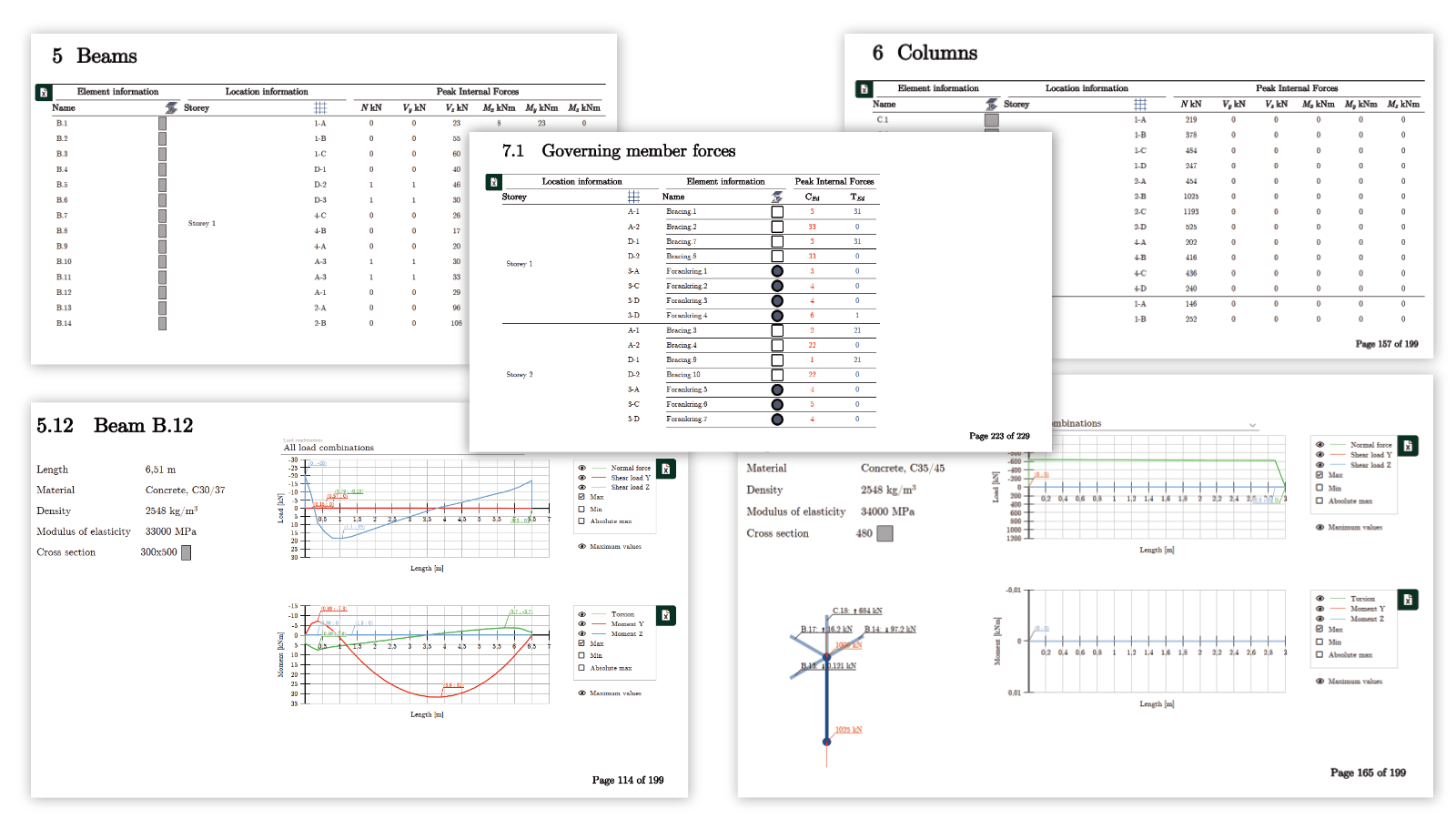
Bar elements
Summary tables for beams, columns, fictitious bars and truss elements, with forces per load combination for direct use in component design checks.
- Tables grouped by type, with geometry and material properties
- Governing section forces, as maximum of all or per load combination
- Internal forces across bar types
- Axial loads for columns shown in a 3D figure
FEM-Design export
Open directly in FEM-Design with all load cases and combinations
The export opens in FEM-Design with every external load and reaction in its original combination, and each interaction load shows which element it comes from. Choose the scope that matches your design task.
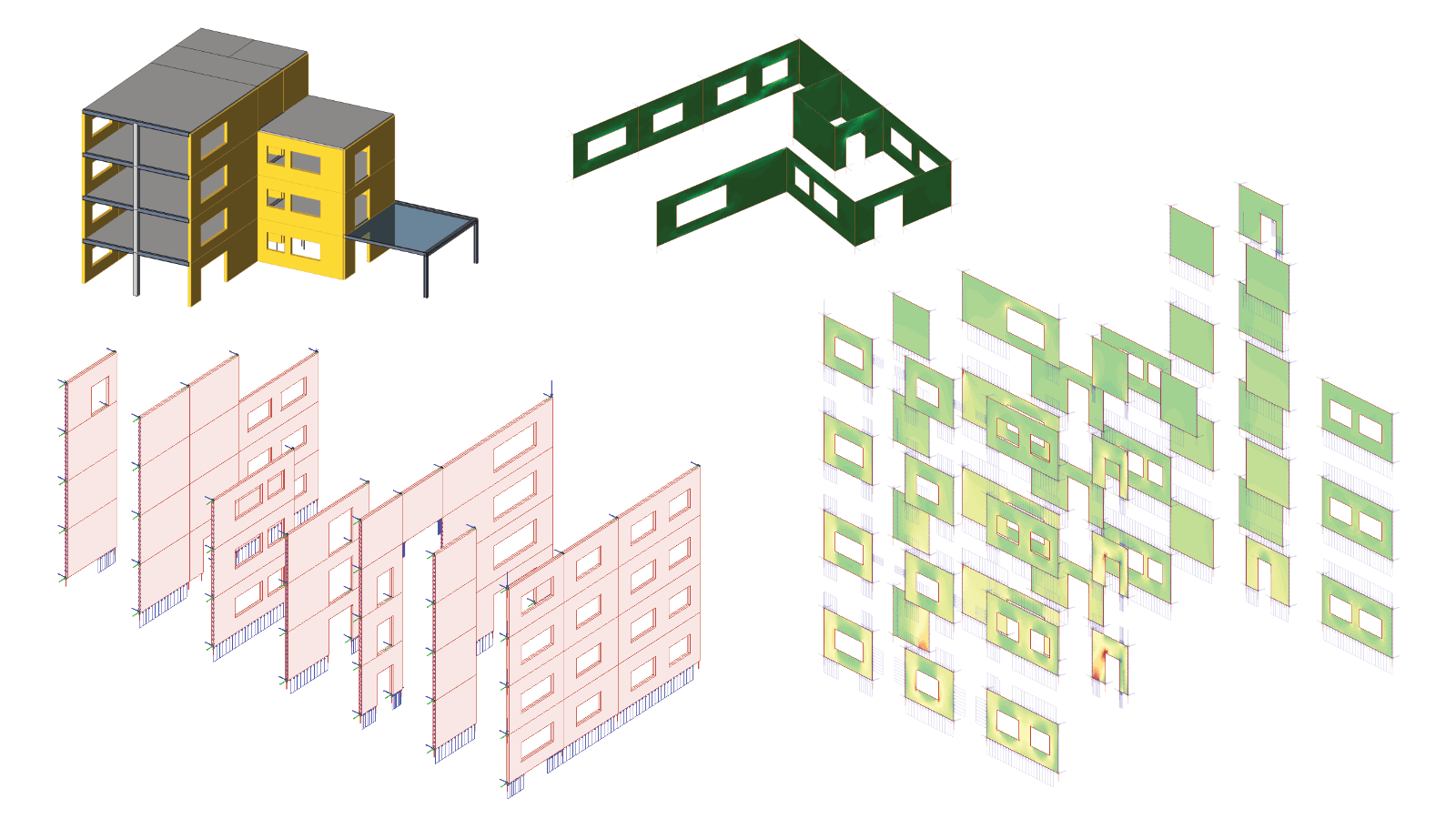
Walls
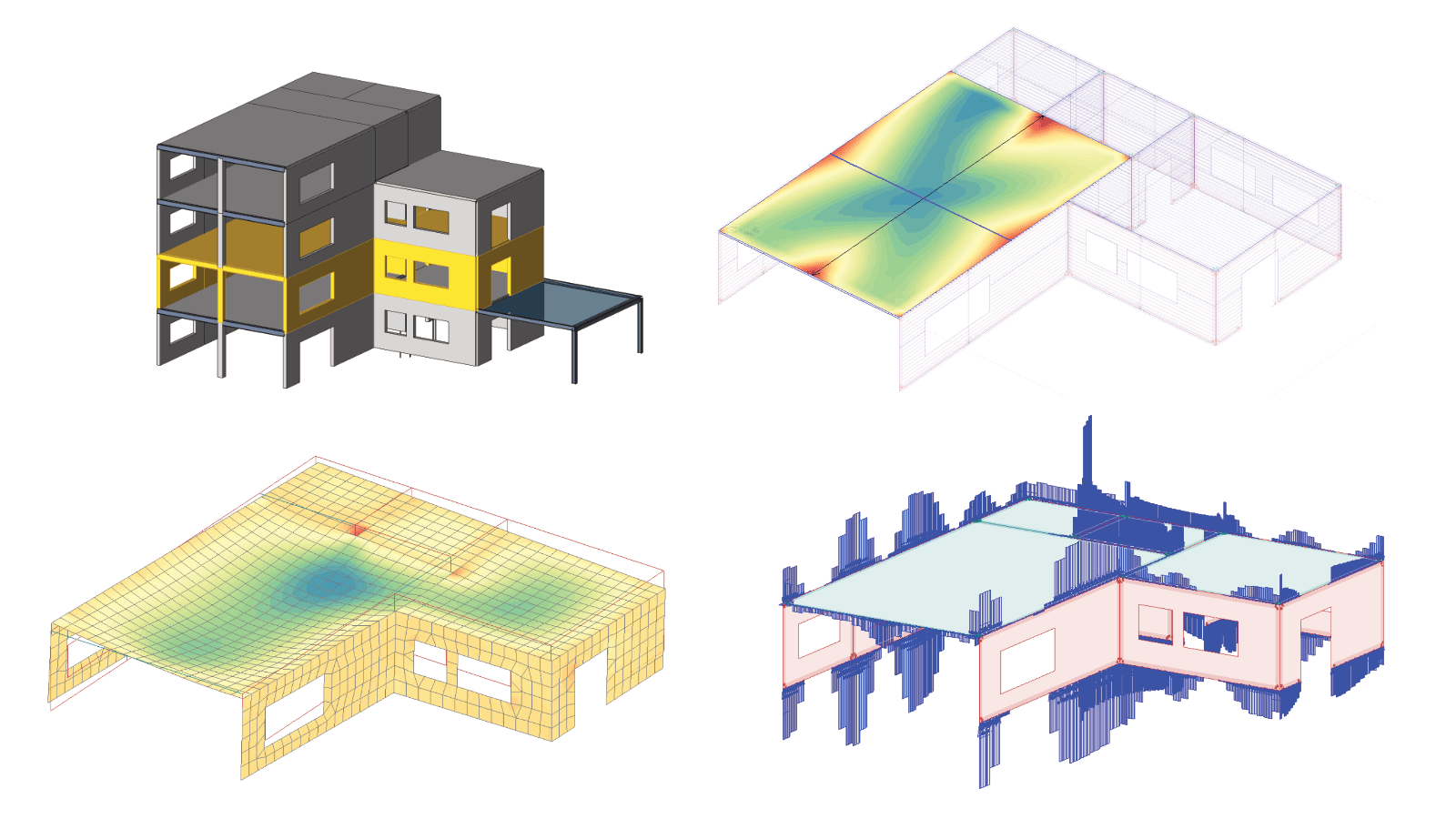
For wall design. Select single walls, full elevations or a custom selection after the standard load take-down.
- Elements are statically independent by default. Connections to elements outside the export are applied as loads
- Loads match the PDF, so there is one source of truth
- Optimise and design without changing the load take-down model
Plates
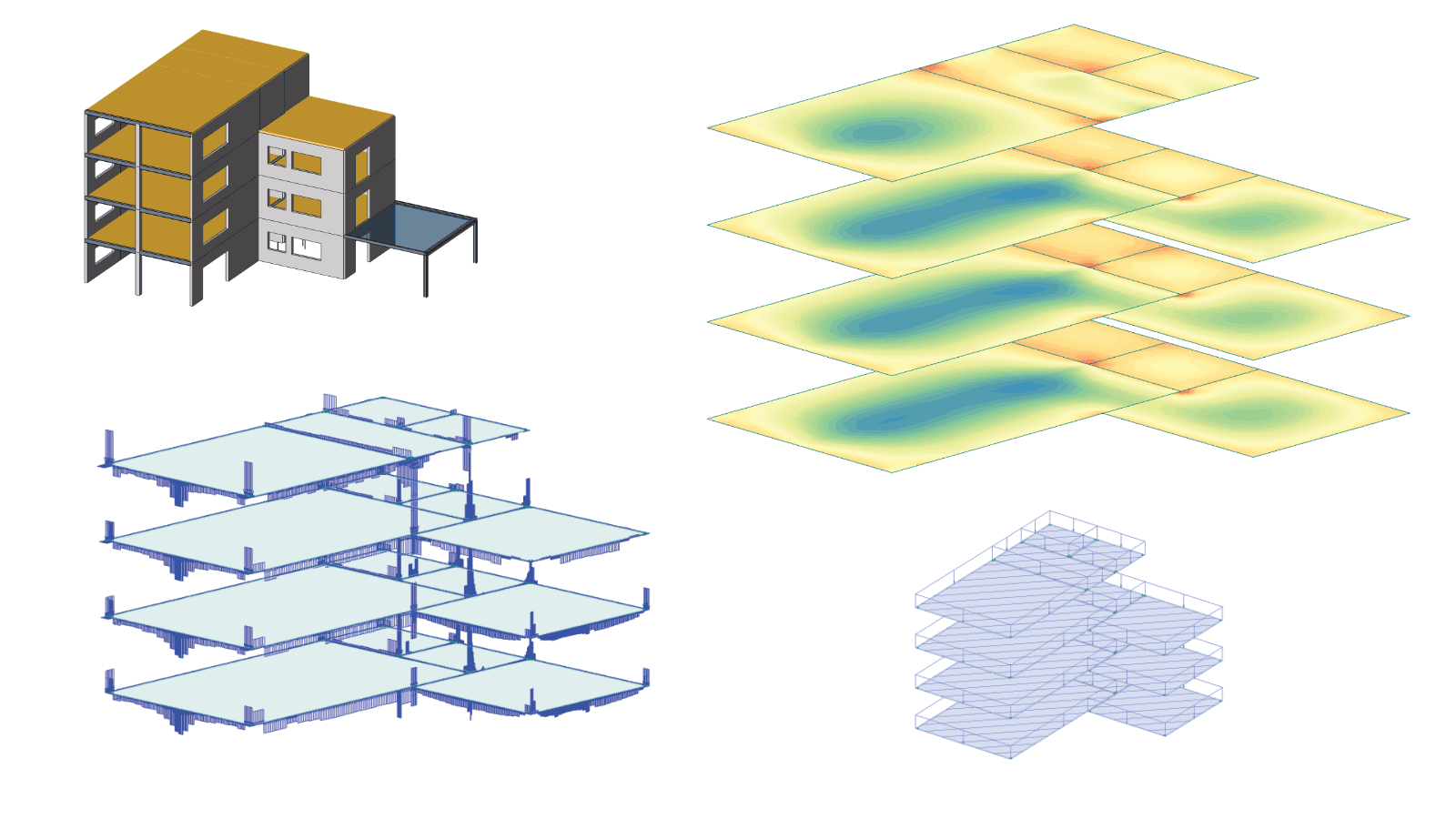
For plate design. Select single plates, full plans or a custom selection after the standard load take-down.
- Elements are statically independent by default. Connections to elements outside the export are applied as loads
- Loads match the PDF, so there is one source of truth
- Optimise and design without changing the load take-down model
Custom
Export any group of walls and plates, such as a full storey or a core. Connected elements keep their interaction, and the rest of the structure is applied as loads.
- Select by storey, axis or freeform selection
- Coordinates kept at their original position in the model
- All load cases and combinations kept
- Optimise a section without changing the rest of the load take-down
Reactions
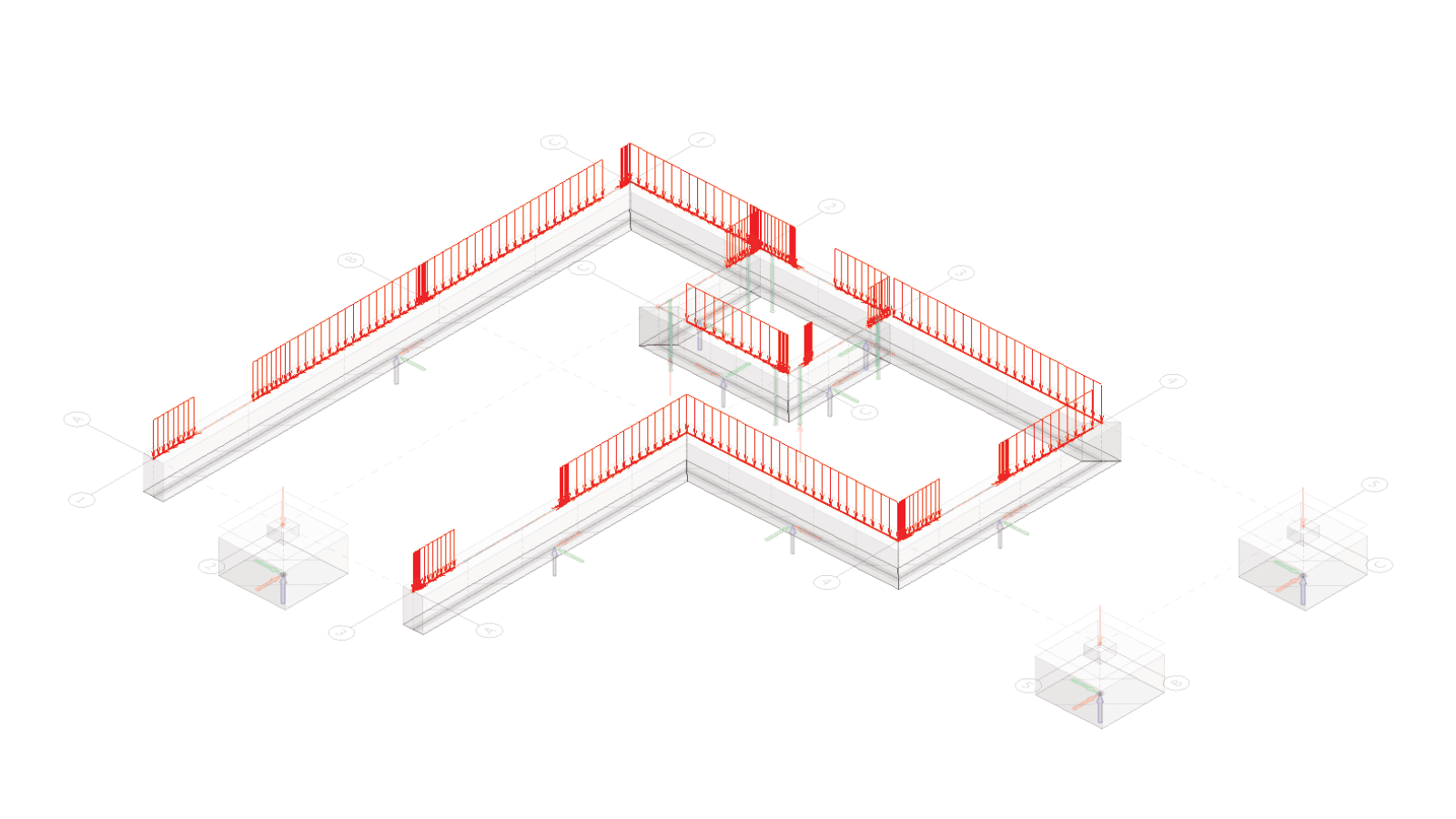
For foundation design. Reactions match the chosen data treatment, with comments on where each load comes from. Foundation objects are added in FEM-Design after import.
- All load cases and combinations kept
- Loads match the interactive PDF
- Design foundations in a separate model from the load take-down
- Update loads quickly when the load take-down model changes
Locked PREFAB file
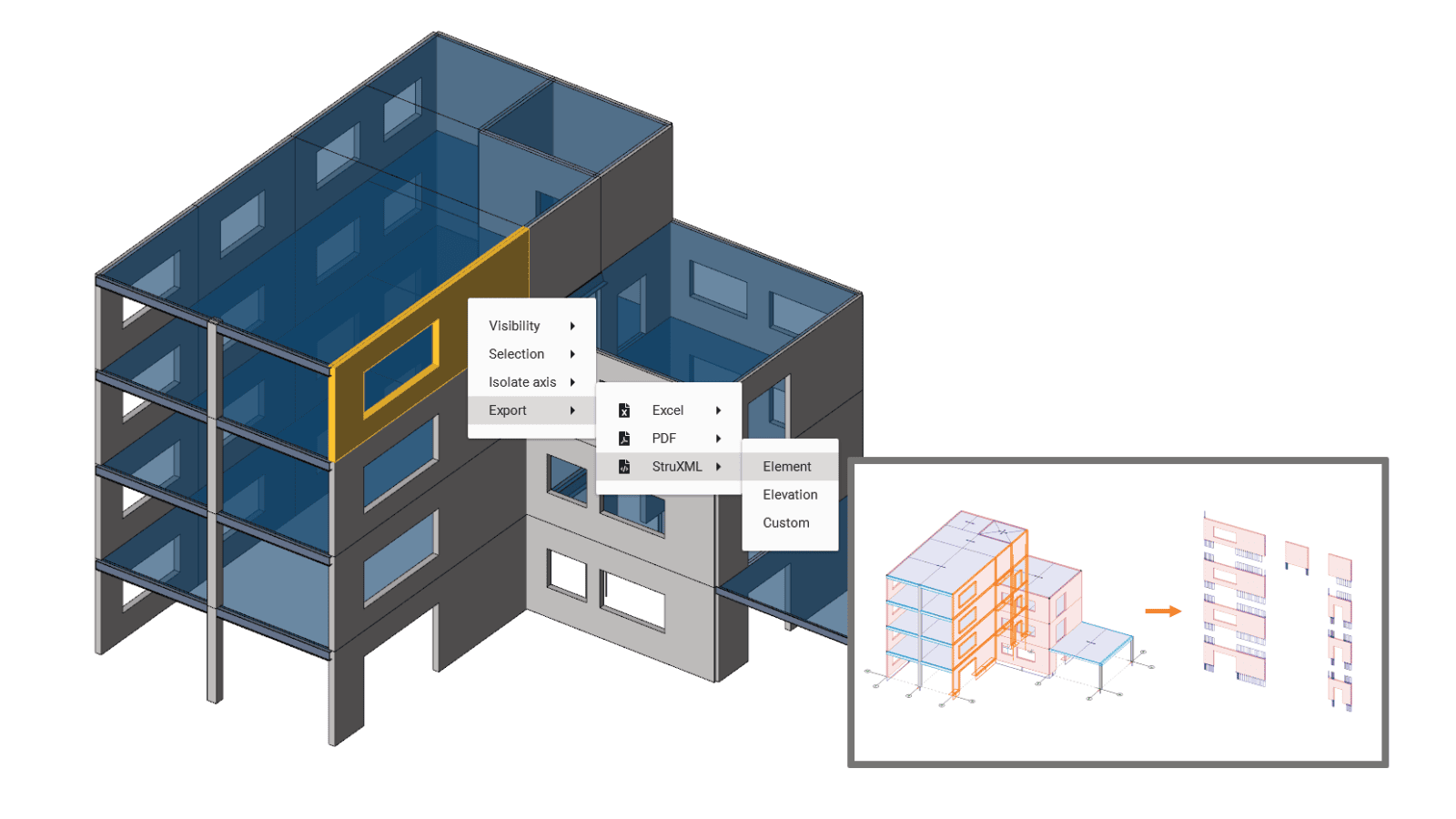
Share a locked PREFAB file with an external component designer
The recipient opens the file in PREFAB Viewer with full filtering, search by component ID and all export options. The data treatment stays as you set it. Pair it with a PDF for your own load take-down documentation.
What the recipient gets
A locked PREFAB file opens in PREFAB Viewer. The sender fixes the data treatment, and the receiver keeps full navigation and export.
- Filter and search by component ID
- Export to PDF, FEM-Design or Excel from PREFAB Viewer
- Input and calculation type locked by the sender
- Pair with a PDF for load take-down documentation on the sender's side
Data treatment
Compare the three data treatment types
Choose how PREFAB treats the FEM-Design results, depending on what the documentation needs to show.
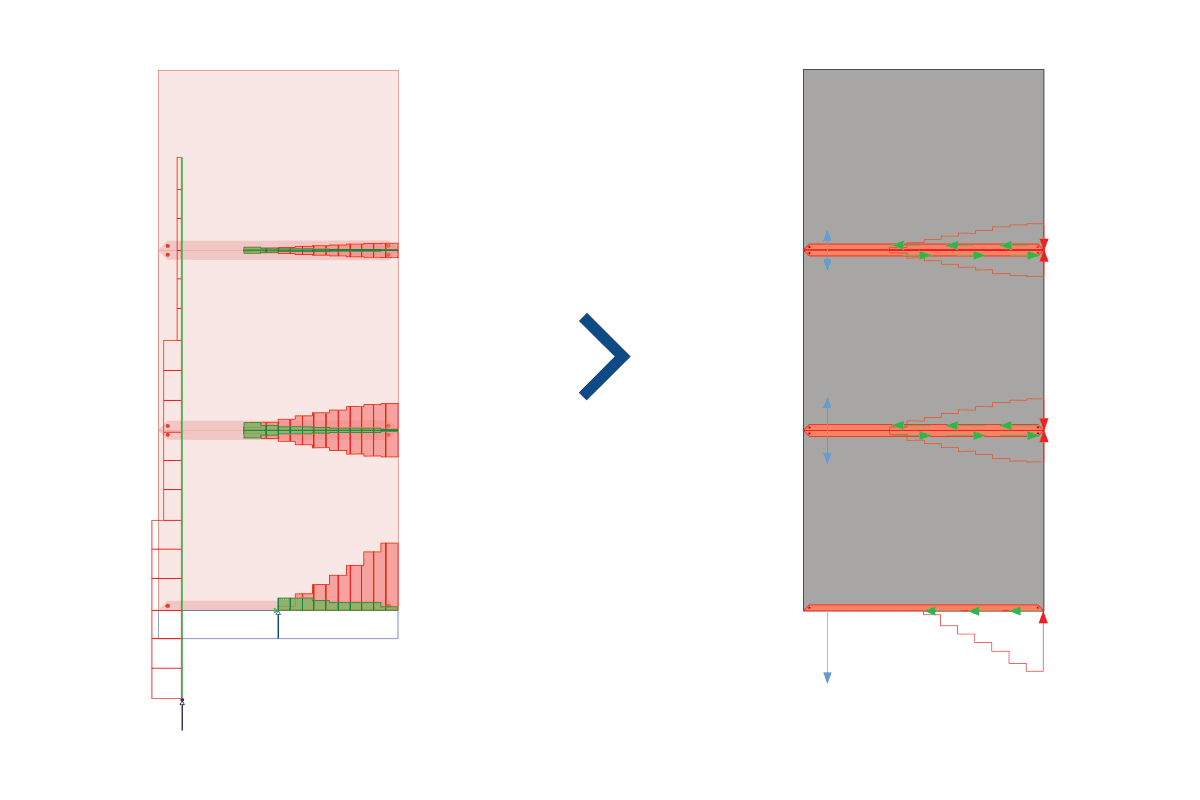
Direct FEM-Design
Use this when the documentation should show the FEM-Design result as it is. PREFAB does no data treatment, it only collects and passes on the constant-by-element results. Also useful for pulling any element into a separate model for design.
Best for
- Closest traceability to the model
- Shows raw result shape and peak locations
- Less material sensitive
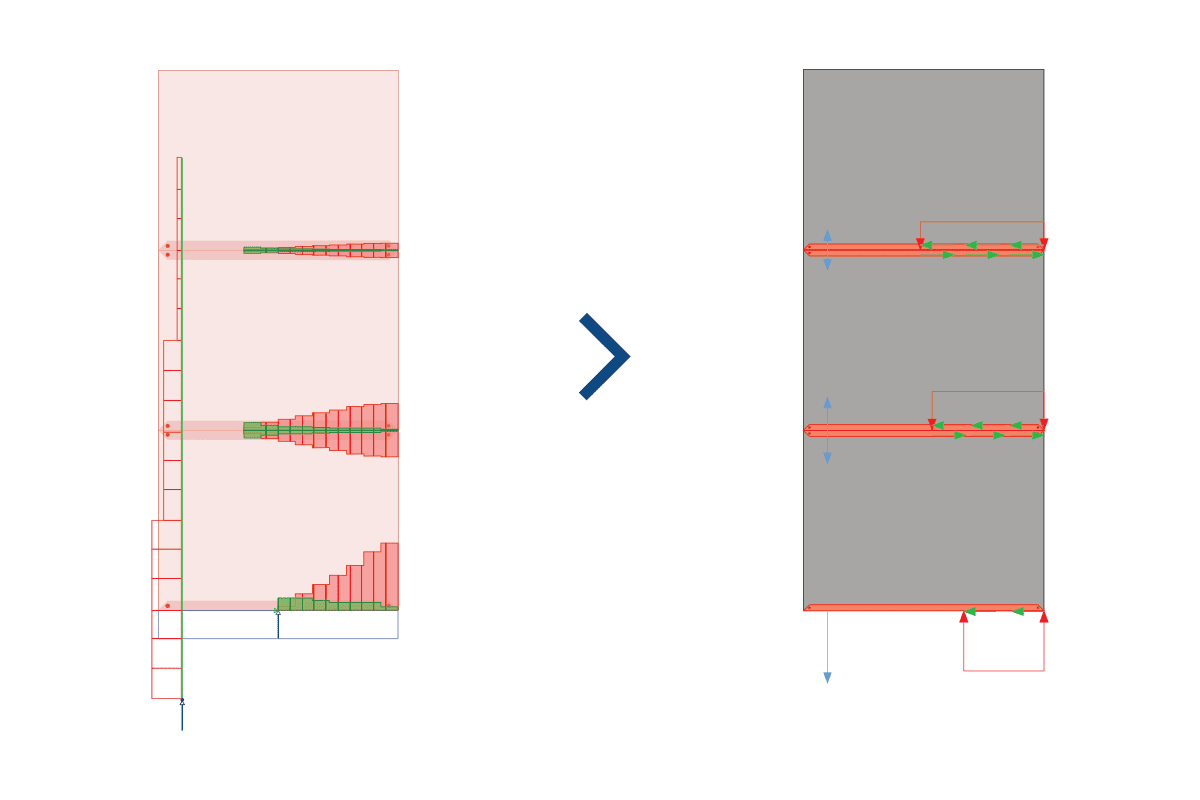
Simplified FEM-Design
Use this when the same model-based result needs to be easier to read at component level. The resultant forces are kept, but compression zones are averaged in steps for a simpler load picture.
Best for
- Supplier handover and readable reports
- Showing simplified load zones
- Concrete elements, as elastic peak zones are reduced
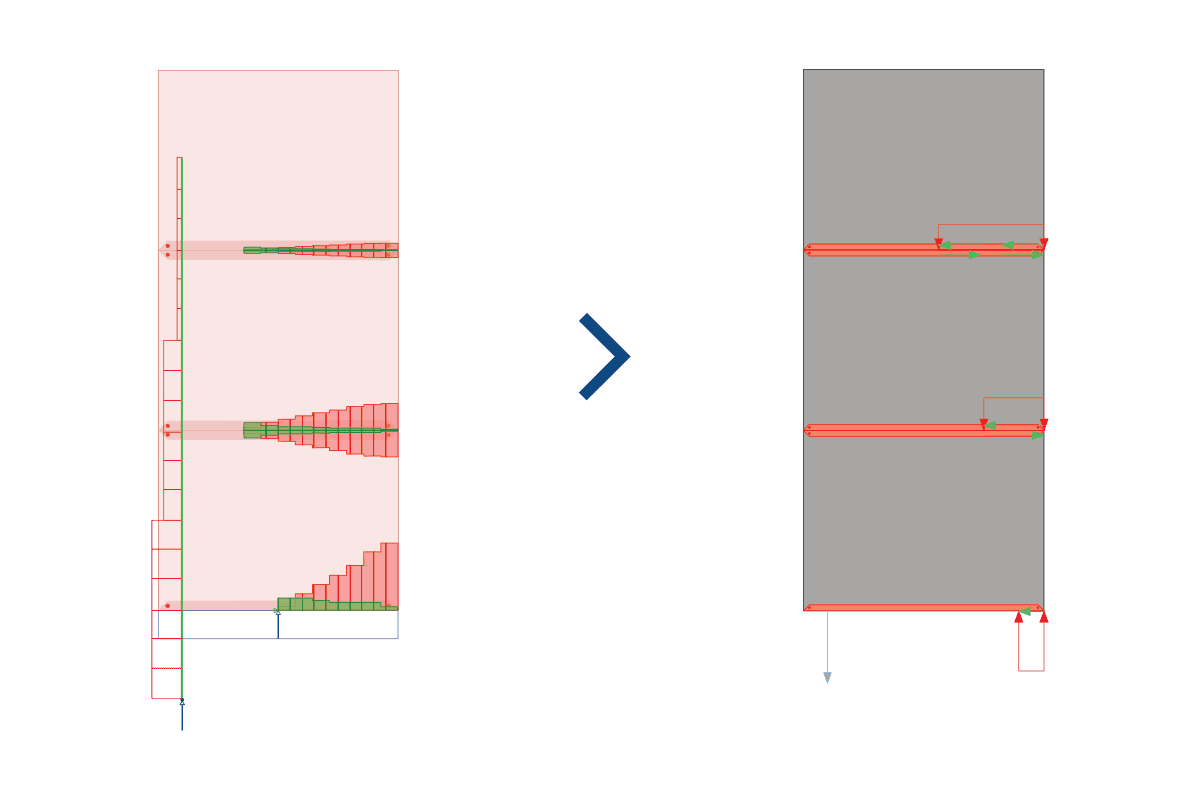
Plastic redistribution
Use this when PREFAB should do more than display results. PREFAB finds a lower-bound solution to the load take-down that respects edge-condition capacities while keeping equilibrium. FEM-Design provides geometry, loads and capacities.
Best for
- Controlled lower-bound optimisation
- Showing the best possible load solution
- Saving analysis time in FEM-Design
Who uses PREFAB
Two workflows, built around two roles
PREFAB serves the two paths your load take-down follows. Choose your role to see how it fits.
Own the model. Deliver with confidence.
You build and run the FEM-Design load take-down. PREFAB turns your results into standardised documentation for the component designer. For in-house design, such as foundations and plates, it sends the same data back into separate FEM-Design models, with the original take-down untouched.
- Load documentation generated from your existing FEM-Design model
- Locked PREFAB file for fast delivery to component designers
- Round trip to FEM-Design with all load cases and combinations
- Split large models for design while the original take-down stays as it is
- Same model as the base, so iteration is faster
Get the loads you need, per component.
You receive loads for precast or CLT elements from the consultant and need them per component, in a format you can design with. PREFAB Viewer gives you that without changing the consultant's data treatment.
- Loads per component, searchable by component ID
- Interactive PDFs you can filter and drill into
- FEM-Design .struxml files for detailed design
- Excel export from PREFAB Viewer
About PREFAB
Made by structural engineers, for structural engineers
Part of the FEM-Design ecosystem
A native extension to FEM-Design, not a side tool. Same model, same data, same goal.
Built for precast concrete
Workflows shaped by real precast concrete projects, from documentation through to component design.
Available in Dutch
Also in English, Finnish, Hungarian and Polish, for teams working across borders.
Made by StruSoft
Developed in the StruSoft group, which Matrix Software is part of, by structural engineers.
Quick intro
Watch the PREFAB quick intro
A short video showing how PREFAB turns FEM-Design results into component-level documentation: interactive PDF, FEM-Design export, locked files for PREFAB Viewer, and Excel.

FAQ
Questions teams ask before they start with PREFAB
Short answers to the questions we hear most. If yours is not here, contact us.
Bring PREFAB into your next project
Start a free trial and run PREFAB on one of your own FEM-Design models.
PREFAB manual
Step-by-step guidance on syncing FEM-Design models, data treatment and every export type.
PREFAB manual
Quick intro video
FEM-Design
Contact support
System requirements
